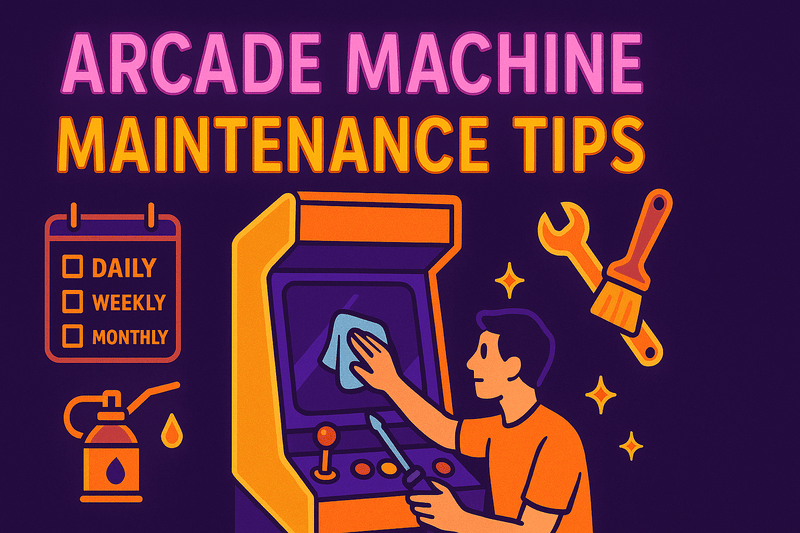
Essential Arcade Machine Maintenance Tips
Proper maintenance is crucial for keeping your arcade machine running smoothly and preserving its value. Whether you own a vintage cabinet or a modern machine, following these essential maintenance tips will ensure years of reliable gameplay.
Daily and Weekly Maintenance
Keep It Clean
- Wipe down surfaces daily with appropriate cleaners
- Clean the screen with monitor-safe solution
- Vacuum around vents to prevent dust buildup
- Check for loose connections during regular play
Monitor Performance
- Listen for unusual sounds from fans or speakers
- Watch for screen flickering or color issues
- Test all controls during each session
- Check temperature - machines should stay cool
Monthly Deep Maintenance
Control System Care
Joysticks:
- Lubricate moving parts with appropriate grease
- Check for worn microswitches
- Clean contact points
- Test 8-way directional accuracy
Buttons:
- Remove and clean button surfaces
- Check microswitch operation
- Replace worn switches as needed
- Ensure proper spring tension
Monitor Maintenance
- Clean screen thoroughly with proper solution
- Check brightness and contrast settings
- Inspect for burn-in or permanent damage
- Verify color accuracy across the display
Audio System
- Test all speakers for clear sound
- Check volume controls and balance
- Inspect speaker cones for damage
- Clean audio connections
Common Problem Prevention
Moisture Control
- Use dehumidifiers in damp environments
- Ensure proper ventilation around machine
- Check for water damage signs
- Address leaks immediately
Temperature Management
- Keep machines away from heat sources
- Ensure adequate airflow
- Replace failing fans promptly
- Monitor operating temperatures
Electrical Safety
- Use surge protectors always
- Check power cords for damage
- Ensure proper grounding
- Have electrical work done professionally
Troubleshooting Common Issues
Screen Problems
Flickering Display:
- Check monitor connections
- Test power supply voltage
- Inspect for loose capacitors
- Consider professional repair
Color Issues:
- Adjust monitor settings
- Check RGB connections
- Test with known good signal
- May require monitor recapping
Control Issues
Unresponsive Controls:
- Check wiring connections
- Test microswitches individually
- Clean contact points
- Replace faulty components
Audio Problems
No Sound:
- Check volume settings
- Verify speaker connections
- Test audio source
- Inspect amplifier
Professional Service When Needed
Some tasks require professional expertise:
- High voltage monitor work
- Power supply repairs
- Complex board-level repairs
- Structural modifications
Conclusion
Regular maintenance is an investment in your arcade machine's longevity and performance. By following these guidelines and staying proactive about care, you'll enjoy reliable gameplay and preserve the value of your investment.
Keep detailed records of all maintenance activities – your future self will thank you when troubleshooting issues.