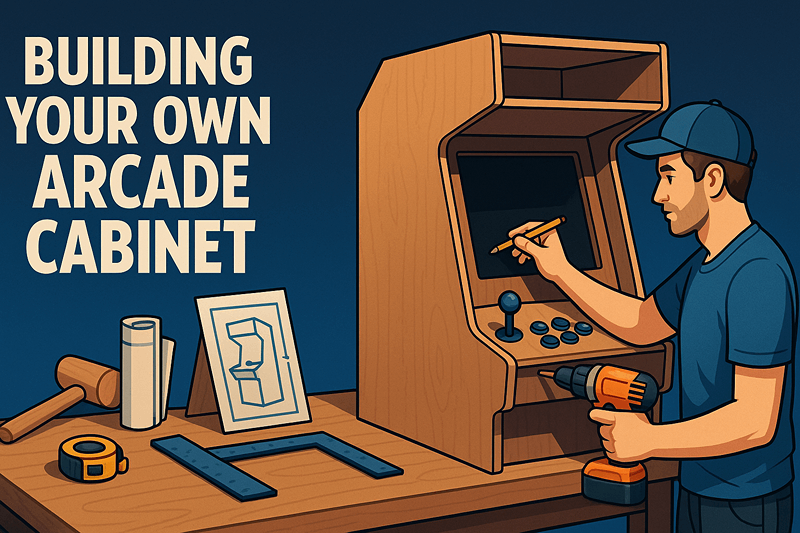
Building Your Own Arcade Cabinet: A Complete Guide
Building your own arcade cabinet is one of the most rewarding projects for gaming enthusiasts. Whether you're looking to recreate the classic arcade experience or create a modern gaming station, this comprehensive guide will walk you through every step of the process.
Planning Your Build
Choosing Your Cabinet Style
Upright Cabinet
- Classic arcade look
- Space-efficient
- Perfect for fighting games and shoot-em-ups
Cocktail Table
- Great for two-player games
- Conversation piece
- Ideal for smaller spaces
Bartop Cabinet
- Compact and portable
- Quick build option
- Perfect for countertops
Essential Tools You'll Need
- Circular saw or jigsaw
- Drill and drill bits
- Router (optional but recommended)
- Sandpaper (various grits)
- Wood glue and clamps
- Measuring tools
- Safety equipment
Materials and Components
Wood Selection
- MDF (Medium Density Fiberboard): Most popular choice
- Plywood: More durable but heavier
- Particle Board: Budget option (not recommended)
Electronics Components
- Monitor: 19"-32" depending on cabinet size
- Computer/Single Board Computer: Raspberry Pi, PC, or dedicated board
- Controls: Joysticks, buttons, trackballs
- Audio: Speakers and amplifier
- Power: Power supply and wiring
Control Layout Planning
Standard 2-Player Layout:
Player 1: 8-way joystick + 6 buttons
Player 2: 8-way joystick + 6 buttons
Admin: Coin buttons, start buttons, admin controls
Step-by-Step Construction
1. Design and Cut Your Panels
- Create detailed plans with measurements
- Cut all panels according to your design
- Sand all surfaces smooth
2. Assemble the Cabinet Frame
- Start with the main body
- Use wood glue and screws for strong joints
- Check for square alignments
3. Install the Monitor
- Cut monitor opening precisely
- Create mounting system
- Ensure proper ventilation
4. Wire the Controls
- Plan your wiring layout
- Use quality wire and connectors
- Test each control individually
5. Install Electronics
- Mount the computer system
- Connect all components
- Install speakers and audio system
6. Software Configuration
- Install emulation software (RetroPie, MAME, etc.)
- Configure controls and games
- Set up attract mode
Finishing Touches
Cabinet Artwork
- Vinyl Graphics: Professional look, easy application
- Paint: Custom designs, requires artistic skill
- Laminate: Durable, various patterns available
T-Molding Installation
- Adds professional edge finishing
- Protects corners from damage
- Available in various colors
Lighting Effects
- LED strips: Colorful accents
- Marquee lighting: Backlit header
- Button illumination: Enhanced gameplay
Common Mistakes to Avoid
- Poor planning: Measure twice, cut once
- Cheap components: Quality controls last longer
- Inadequate ventilation: Electronics need airflow
- Wrong monitor orientation: Check game requirements
- Skipping cable management: Organize for easy maintenance
Cost Breakdown
Budget Build ($300-500)
- Basic MDF cabinet
- Small monitor
- Raspberry Pi system
- Standard controls
Mid-Range Build ($500-1000)
- Quality wood construction
- Larger monitor
- PC-based system
- Premium controls
High-End Build ($1000+)
- Professional components
- Custom artwork
- Advanced features
- Commercial-grade parts
Maintenance and Upgrades
Regular Maintenance
- Clean controls and monitor
- Check connections
- Update software
- Lubricate moving parts
Popular Upgrades
- LED button replacement
- Better speakers
- Additional games
- Improved artwork
Resources and Community
- Forums: Build logs and troubleshooting
- YouTube channels: Video tutorials
- Local makerspaces: Access to tools
- Arcade supply vendors: Quality components
Conclusion
Building your own arcade cabinet is a journey that combines woodworking, electronics, and gaming passion. While it requires patience and attention to detail, the end result is a unique gaming experience that will provide years of entertainment.
Remember to take your time, ask for help when needed, and enjoy the process. Every builder's journey is different, and that's what makes each cabinet special.
Ready to start your build? Begin with careful planning and don't be afraid to start small – you can always upgrade later!